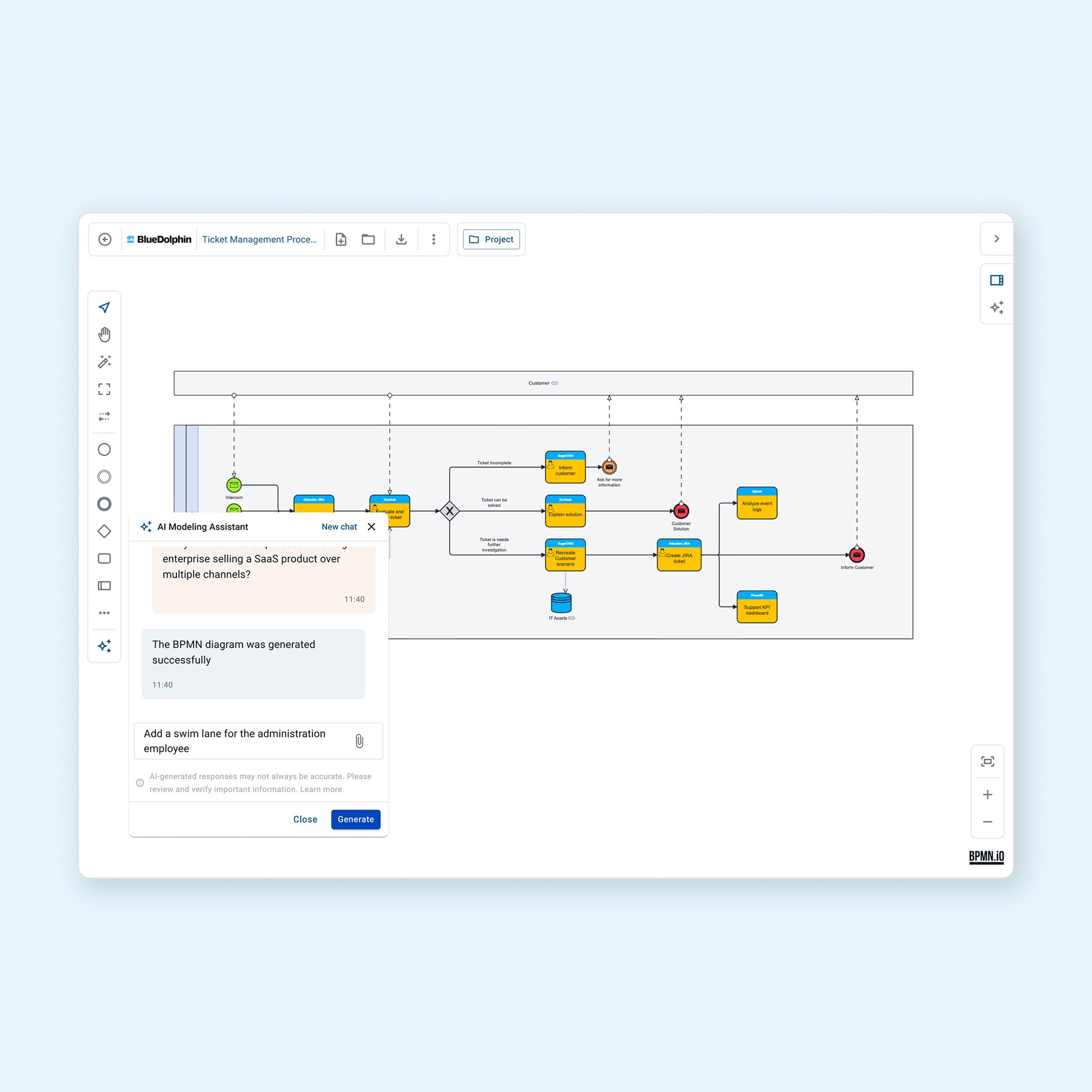
Start with a prompt, existing material, or both. The Modeling Assistant uses your input to create a diagram you can continue to develop.
Upload a Word document, PDF, or image to give the assistant context.
Use follow-up questions to continue shaping the diagram.
When connecting an object, get suggestions based on its content and the objects already in your repository.
Give the Modeling Assistant instructions and your existing document. It generates a BPMN diagram based on your input, giving your team a starting point to review and refine.
Start with a BPMN draft. Use follow-up prompts to add detail as the process develops. Move from an initial outline toward a more complete process diagram in less time.
BlueDolphin © 2026, All Rights Reserved, SOC 2 Certified, ISO 27001 Certified